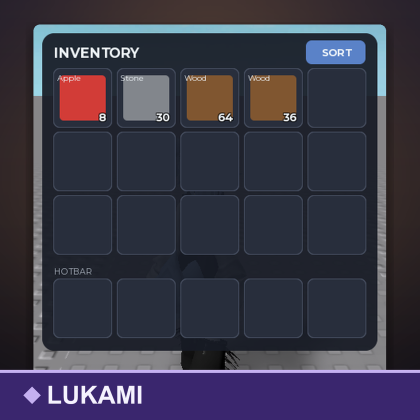
Inventory System Grid Hotbar Drag Stack Kit
Model by Lukami_th ✓ · 0 upvotes
$4.99
Get on Creator Store →
This is an official Roblox Creator Store asset. The button opens its page on create.roblox.com, where you get it into your inventory or Studio. Roblox Modules does not sell, host or redistribute Roblox assets.
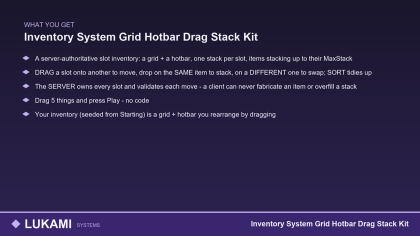


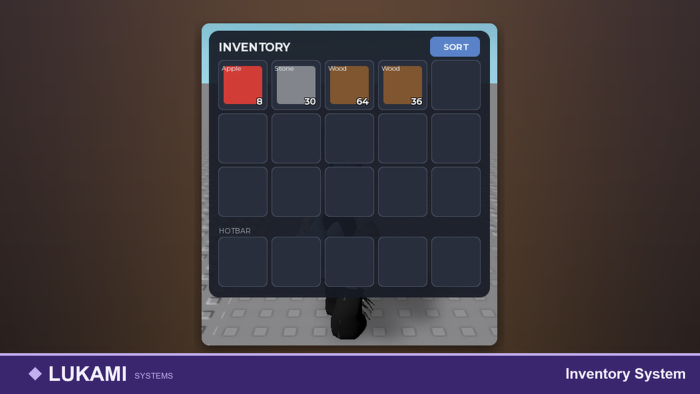
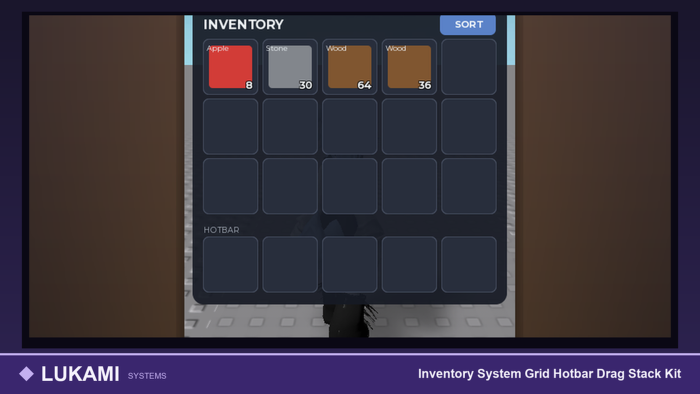
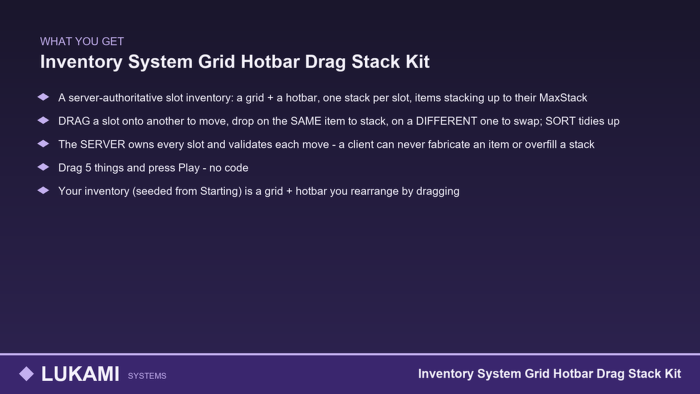
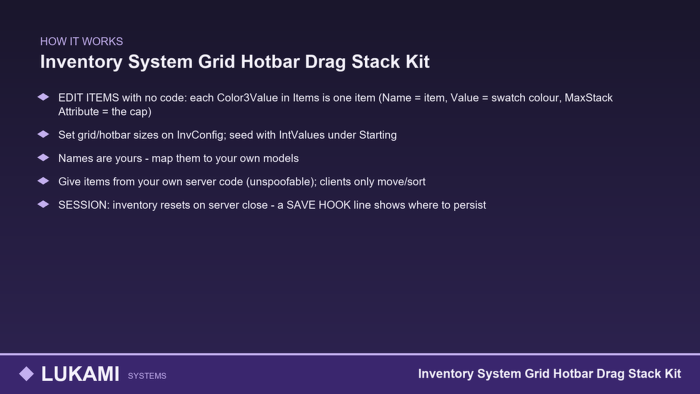
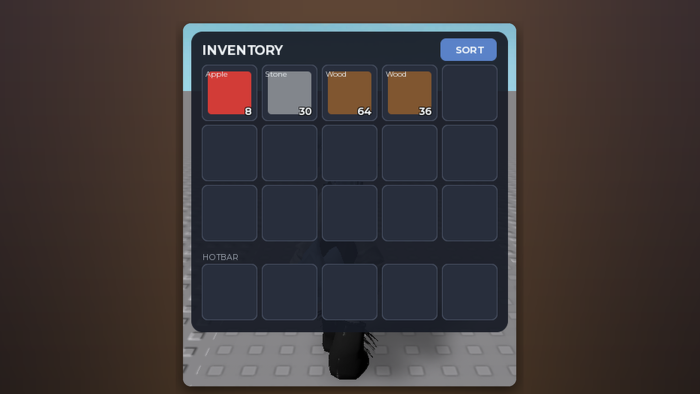
A server-authoritative slot inventory: a grid + a hotbar, one stack per slot, items stacking up to their MaxStack. DRAG a slot onto another to move, drop on the SAME item to stack, on a DIFFERENT one to swap; SORT tidies up. The SERVER owns every slot and validates each move - a client can never fabricate an item or overfill a stack. Drag 5 things and press Play - no code. Your inventory (seeded from Starting) is a grid + hotbar you rearrange by dragging. EDIT ITEMS with no code: each Color3Value in Items is one item (Name = item, Value = swatch colour, MaxStack Attribute = the cap). Set grid/hotbar sizes on InvConfig; seed with IntValues under Starting. Names are yours - map them to your own models. Give items from your own server code (unspoofable); clients only move/sort. SESSION: inventory resets on server close - a SAVE HOOK line shows where to persist. ONE server Script, ONE client LocalScript, no external services. For RPG, survival and tycoon games.
| Type | Models |
|---|---|
| Creator | Lukami_th ✓ |
| Price | $4.99 |
| Rating | 0 upvotes |
| Contains scripts | Yes |
| Category | Gameplay › Game Systems |
| Object types | Inventory System, User Interface |
| Instances | 2 script |
| Published | 2026-08-26 |
| Updated | 2026-09-23 |
| Roblox ID | 120940642897635 |
| Last checked | 2026-09-24 |