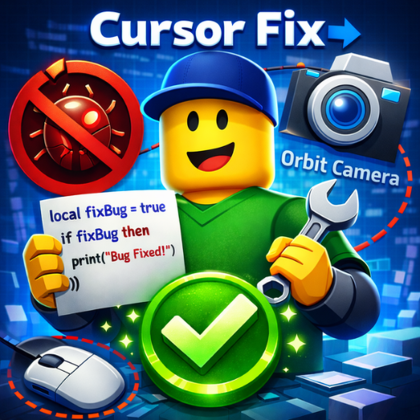
Cursor Fix Orbit Camera - Anti-Shake
Plugin by REU8ER ✓ · 0 upvotes
Free
Get on Creator Store →
This is an official Roblox Creator Store asset. The button opens its page on create.roblox.com, where you get it into your inventory or Studio. Roblox Modules does not sell, host or redistribute Roblox assets.
Eliminate annoying cursor shake during camera orbit in Roblox Studio! FEATURES: • Free, smooth cursor during orbit (right-click) • Toolbar control button - enable/disable anytime • Easy toggle between default and anti-shake mode • Lightweight, safe and instant HOW TO USE: 1. Click "Anti-Shake" button in toolbar 2. Hold right-click to orbit without shake 3. Click again to disable Green Button = Anti-shake active Gray Button = Default mode Perfect for developers who want full camera control without interference! --- Tags: Camera, Tool, Utility, Quality of Life, Studio Enhancement, Camera Control, Bug Fix
| Type | Plugins |
|---|---|
| Creator | REU8ER ✓ |
| Price | Free |
| Rating | 0 upvotes |
| Contains scripts | Yes |
| Category | Plugins › Workflow |
| Published | 2026-01-21 |
| Updated | 2026-01-21 |
| Roblox ID | 103046694606043 |
| Last checked | 2026-09-13 |












![Moon Animator 2 [sale!]](https://tr.rbxcdn.com/180DAY-bb0f21c27b952011c4b81408cde773f1/420/420/Image/Png/noFilter)







