Insert Character Bundle Plugin
Plugin by tshuajtshuaj ✓ · 8% positive · 10 votes
Free
Get on Creator Store →
This is an official Roblox Creator Store asset. The button opens its page on create.roblox.com, where you get it into your inventory or Studio. Roblox Modules does not sell, host or redistribute Roblox assets.
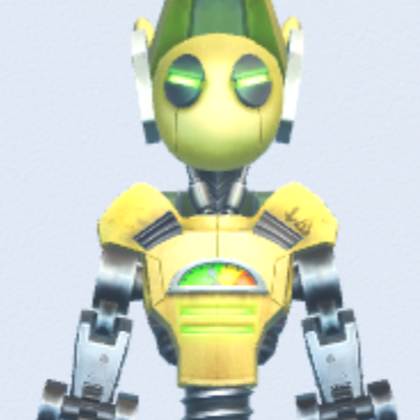
Insert character bundle into workspace as a character rig by using the Bundle Id, as found in the link address on the Roblox's Marketplace. For example, the Bundle Id is 589 for the following link: https://www.roblox.com/bundles/589/Junkbot Input the Bundle Id in the textbox of the plugin's widget gui. Click on the Insert button to insert the character rig into workspace.
| Type | Plugins |
|---|---|
| Creator | tshuajtshuaj ✓ |
| Price | Free |
| Rating | 8% positive · 10 votes |
| Contains scripts | Yes |
| Category | Plugins › Animation |
| Published | 2024-11-13 |
| Updated | 2024-11-13 |
| Roblox ID | 103705912841335 |
| Last checked | 2026-09-20 |
![Moon Animator 2 [sale!]](https://tr.rbxcdn.com/180DAY-bb0f21c27b952011c4b81408cde773f1/420/420/Image/Png/noFilter)