
UI Align
Plugin by interloct ✓ · 85% positive · 20 votes
$4.99
Get on Creator Store →
This is an official Roblox Creator Store asset. The button opens its page on create.roblox.com, where you get it into your inventory or Studio. Roblox Modules does not sell, host or redistribute Roblox assets.
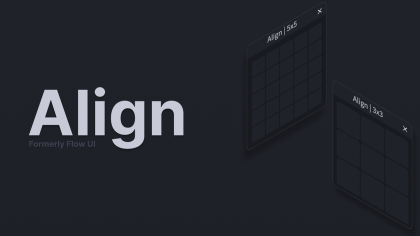
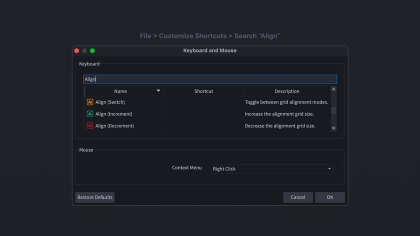
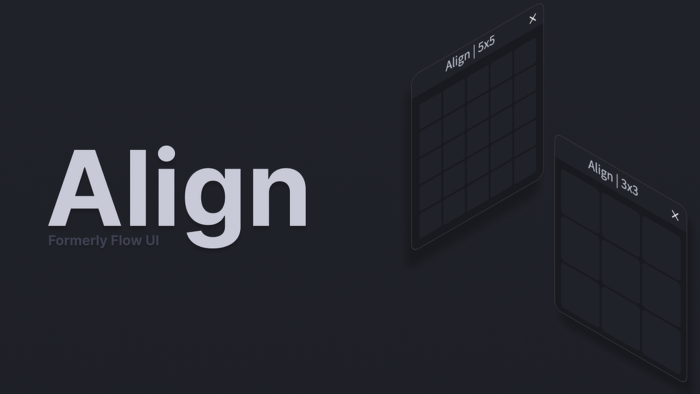
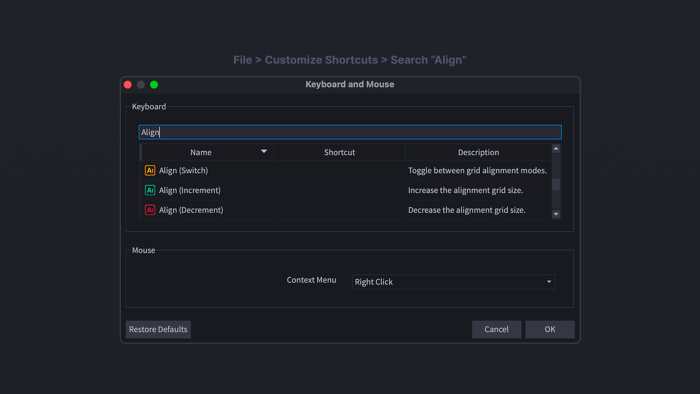
Align is a lightweight UI alignment plugin for Roblox Studio that helps you position UI elements quickly and consistently. Snap UI elements to customizable grid points for precise placement, or align them directly to the edges of their parent for fast, clean layouts. Align is designed to speed up UI design while keeping everything perfectly positioned. Features 📐 Adjustable alignment grids 🎯 Snap UI elements with precision 📦 Align to parent edges ⚡ Fast workflow with keyboard shortcuts Customizing Shortcuts To customize Align's shortcuts: File → Customize Shortcuts → Search "Align" Available Shortcuts Align Increment — Increase the grid size Align Decrement — Decrease the grid size Align Mode — Toggle alignment modes Like this plugin? Check out my other plugins!
| Type | Plugins |
|---|---|
| Creator | interloct ✓ |
| Price | $4.99 |
| Rating | 85% positive · 20 votes |
| Contains scripts | Yes |
| Category | Plugins › Workflow |
| Published | 2022-11-21 |
| Updated | 2026-06-18 |
| Roblox ID | 11624520612 |
| Last checked | 2026-09-21 |













![Moon Animator 2 [sale!]](https://tr.rbxcdn.com/180DAY-bb0f21c27b952011c4b81408cde773f1/420/420/Image/Png/noFilter)







