
Lighting Presets
Plugin by xmaanzach ✓ · 0 upvotes
$4.99
Get on Creator Store →
This is an official Roblox Creator Store asset. The button opens its page on create.roblox.com, where you get it into your inventory or Studio. Roblox Modules does not sell, host or redistribute Roblox assets.
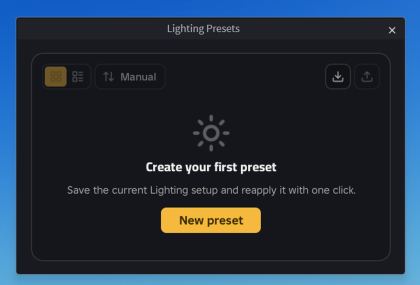
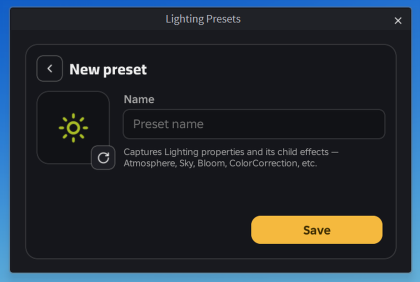
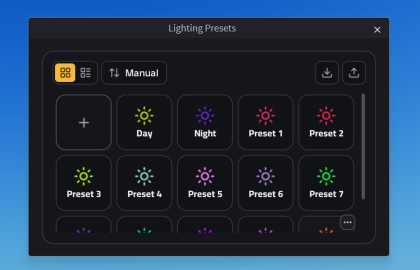
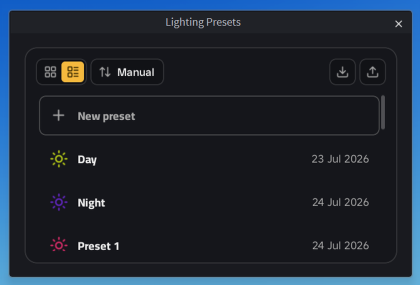
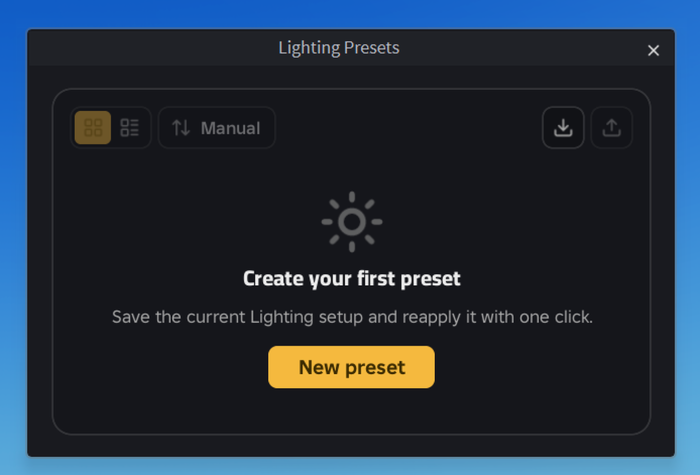
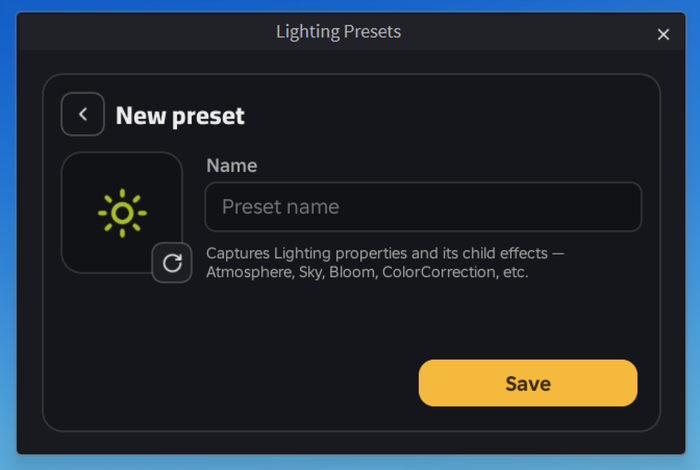
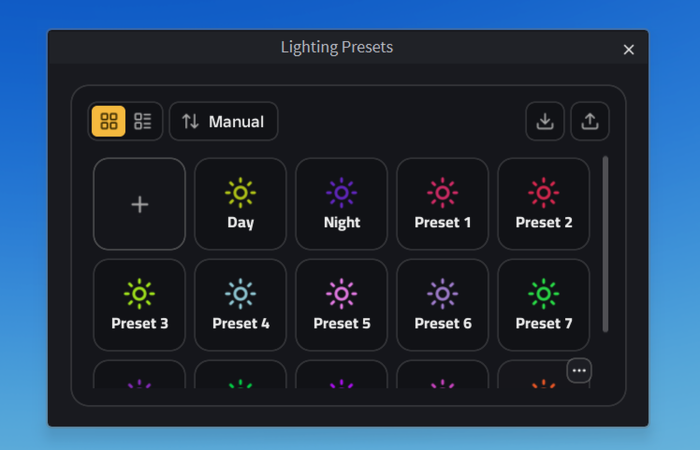
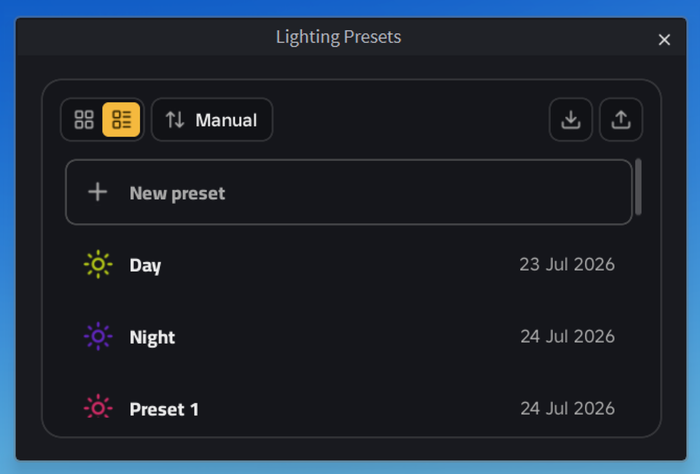
Lighting Presets captures your current Lighting setup so you can bring it back whenever you want, in one click. A preset stores the Lighting service properties along with every child effect — Atmosphere, Sky, Bloom, ColorCorrection and the rest — so applying one changes the whole mood at once, not just a couple of values. Changed your mind? Ctrl+Z undoes it like any other Studio edit. - One-click apply, with full undo support - Captures Lighting and all of its child effects, not just a few properties - Grid or list view, sorted by name, date, or your own manual order - Drag presets to reorder them - Rename, overwrite with the current lighting, or delete from the right-click menu - Export presets to a file and import them anywhere, to share a look with your team or move it between places - Your presets are saved with the plugin, so they are there in every place you open - The interface follows your Studio theme, light or dark No setup and no external services. Open it from the tool
| Type | Plugins |
|---|---|
| Creator | xmaanzach ✓ |
| Price | $4.99 |
| Rating | 0 upvotes |
| Contains scripts | Yes |
| Category | Plugins › Visuals |
| Object types | Icon, Symbol |
| Published | 2026-07-23 |
| Updated | 2026-09-06 |
| Roblox ID | 121047331134108 |
| Last checked | 2026-09-24 |








![Moon Animator 2 [sale!]](https://tr.rbxcdn.com/180DAY-bb0f21c27b952011c4b81408cde773f1/420/420/Image/Png/noFilter)







