
Smart UI Editor: Auto-Scale, Layout & Color Tools
Plugin by Nova_qp ✓ · 0 upvotes
$4.99
Get on Creator Store →
This is an official Roblox Creator Store asset. The button opens its page on create.roblox.com, where you get it into your inventory or Studio. Roblox Modules does not sell, host or redistribute Roblox assets.
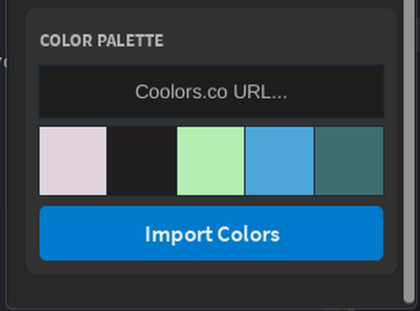
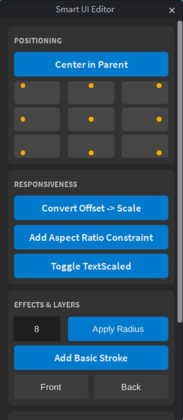
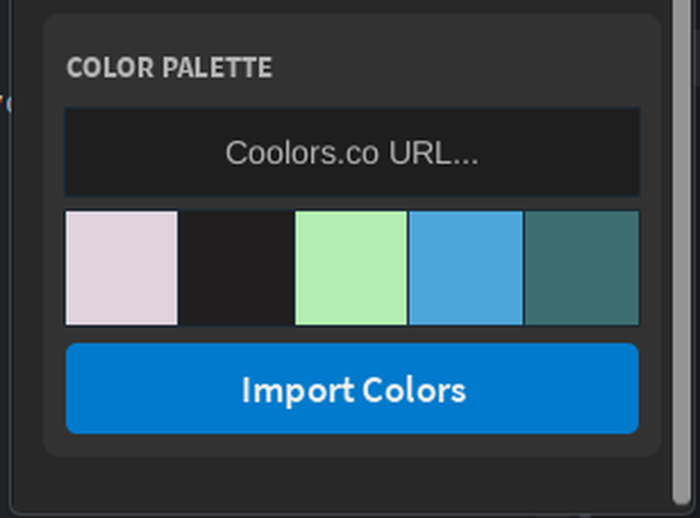
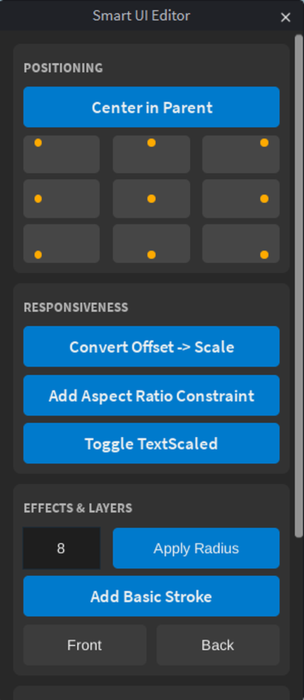
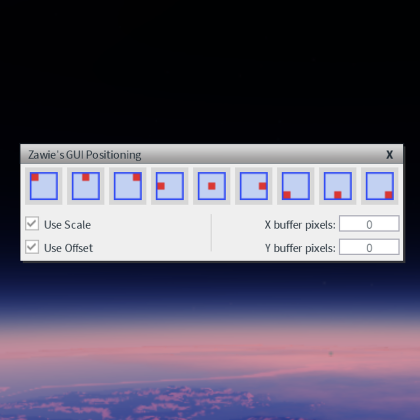
Please leave a like and review if you find this plugin useful! ✨ Key Features: 📱 Instant Responsiveness (Auto-Scale) Convert your UI from Pixels (Offset) to Scale with one click. Ensure your buttons, frames, and text look perfect on any screen size—from mobile phones to 4K monitors. 📌 Smart Anchoring System Stop guessing positions! Use the intuitive 3x3 Grid to set Anchor Points instantly. The plugin automatically adjusts positions so your elements stay visually exactly where you put them, but are now anchored correctly. 🎨 Color Palette Importer Integrated with Coolors.co ! Paste any palette URL and instantly generate a clickable color swatch bar inside Studio. Apply colors to your UI elements with a single click. 💡 How to use: 1. Select any GUI element (Frame, Button, Label). 2. Open the Smart UI Editor panel. 3. Click the magic buttons!
| Type | Plugins |
|---|---|
| Creator | Nova_qp ✓ |
| Price | $4.99 |
| Rating | 0 upvotes |
| Contains scripts | Yes |
| Category | Plugins › User Interface |
| Published | 2026-01-26 |
| Updated | 2026-04-27 |
| Roblox ID | 123503820450048 |
| Last checked | 2026-09-28 |




![UltraWorks Shop Creator [Pro tools]](https://tr.rbxcdn.com/180DAY-c8f431d61dbacc6f02bc8a0db5b29965/420/420/Image/Png/noFilter)





![Moon Animator 2 [sale!]](https://tr.rbxcdn.com/180DAY-bb0f21c27b952011c4b81408cde773f1/420/420/Image/Png/noFilter)







