
All In One Replace Tool (V2.1)
Plugin by xJiggo ✓ · 93% positive · 10 votes
Free
Get on Creator Store →
This is an official Roblox Creator Store asset. The button opens its page on create.roblox.com, where you get it into your inventory or Studio. Roblox Modules does not sell, host or redistribute Roblox assets.
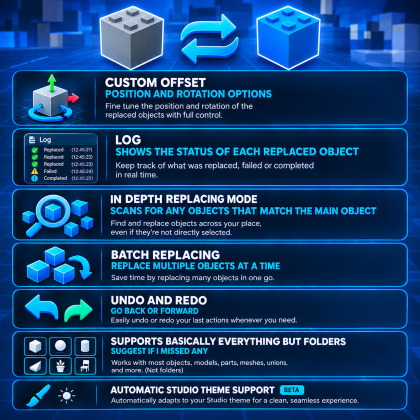
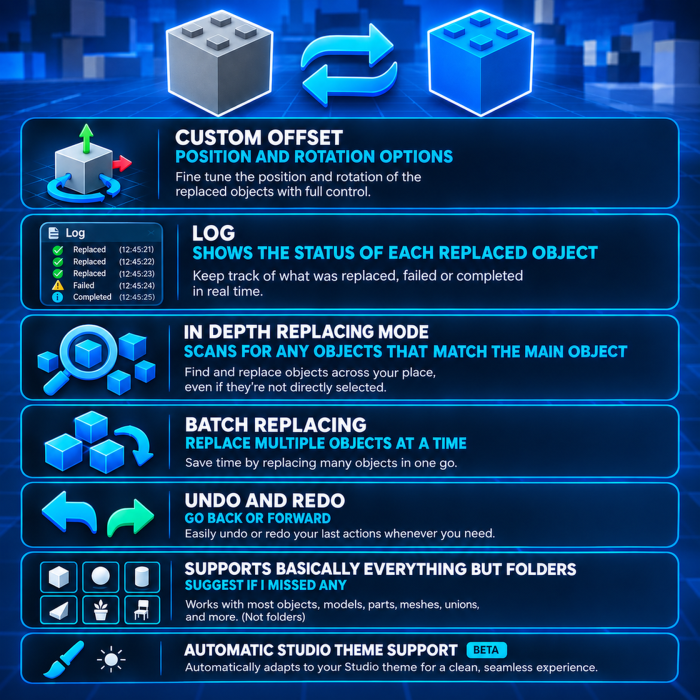
Formerly Model/Part Replace Replace anything easily, select the object you want to use as your primary object then select the objects that you want replaced and let the plugin do it's magic. Disclaimer: - To get the best replacing effect, try and make sure the main object has the same pivot position as the objects you are replacing or use the custom offset (I find just using the reset pivot button on the model section works best) - The thumbnail is made using AI Features: - Undo/Redo - Batch replacing - Deep search and replace - Log | Keeps track of replaced objects - Automatic studio theme adjustment (Beta) - +More V2.1 | (06/09/2026) - Added support for constraints, lights and particle emitters - Added a counter and disabled the buttons when replacing is in progress - Added automatic studio theme support (Beta) - Dock now keeps its position - Improved search and replace speed - Fixed the plugin freezing when attempting to replace a pivotable object with a non-pivotable
| Type | Plugins |
|---|---|
| Creator | xJiggo ✓ |
| Price | Free |
| Rating | 93% positive · 10 votes |
| Contains scripts | Yes |
| Category | Plugins › Workflow |
| Published | 2024-08-31 |
| Updated | 2026-09-06 |
| Roblox ID | 123539681838486 |
| Last checked | 2026-09-17 |












![Moon Animator 2 [sale!]](https://tr.rbxcdn.com/180DAY-bb0f21c27b952011c4b81408cde773f1/420/420/Image/Png/noFilter)







