
Gradient Tools - Add Clean Gradients to Parts & UI
Plugin by Maxocado_Avocado ✓ · 0 upvotes
$4.99
Get on Creator Store →
This is an official Roblox Creator Store asset. The button opens its page on create.roblox.com, where you get it into your inventory or Studio. Roblox Modules does not sell, host or redistribute Roblox assets.
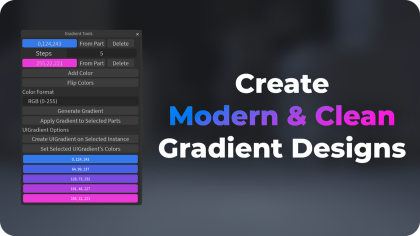
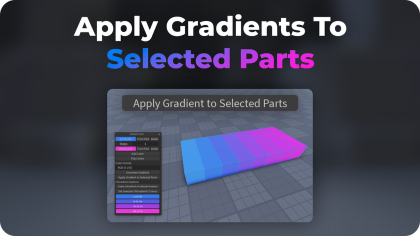
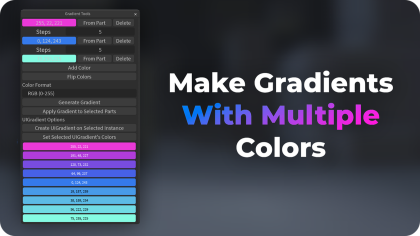
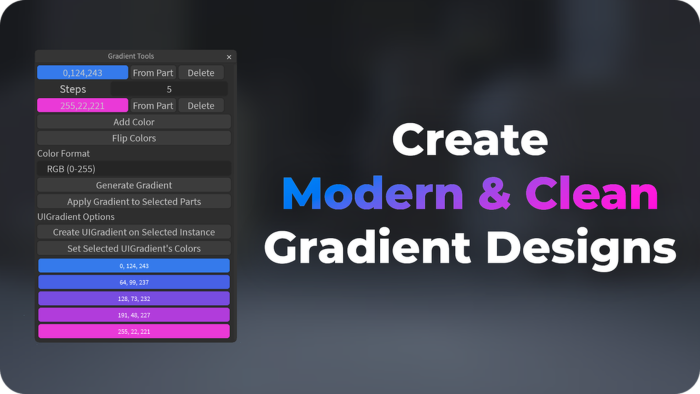
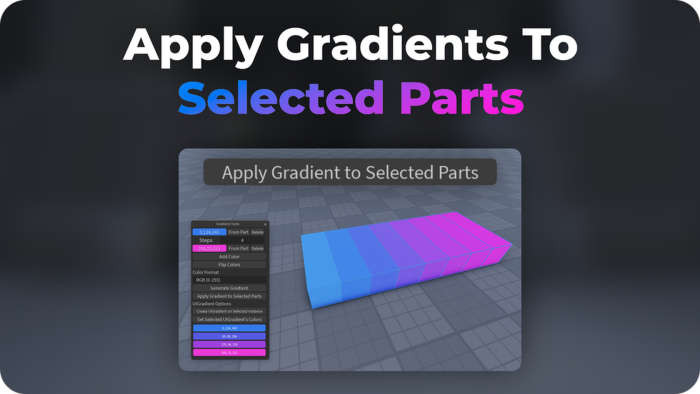
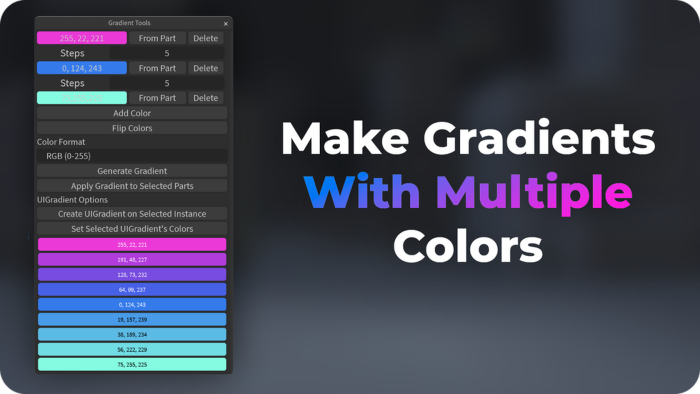
Gradient Tools makes it easy to generate gradients and apply them to parts! - Multi-Color Gradients: Define multiple colors and specify steps between them to create smooth gradients. - Flip Colors: Quickly reverse the order of your colors with the “Flip Colors” button. - Copy Color Values: Easily copy RGB or HSV values of generated colors for use in your game or UI. - Apply to Parts: Directly apply gradients to selected parts or UI elements. - Flexible Formats: Choose from RGB or HSV color formats to suit your needs. Simplify your workflow and enhance your game visuals with Gradient Tools! More info: https://devforum.roblox.com/t/gradient-tools-add-clean-gradients-to-parts-ui/3251387 What's new? - Added many features Version 2.0.0
| Type | Plugins |
|---|---|
| Creator | Maxocado_Avocado ✓ |
| Price | $4.99 |
| Rating | 0 upvotes |
| Contains scripts | Yes |
| Category | Plugins › Building |
| Published | 2023-05-18 |
| Updated | 2024-11-08 |
| Roblox ID | 13478545488 |
| Last checked | 2026-09-24 |












![Moon Animator 2 [sale!]](https://tr.rbxcdn.com/180DAY-bb0f21c27b952011c4b81408cde773f1/420/420/Image/Png/noFilter)









