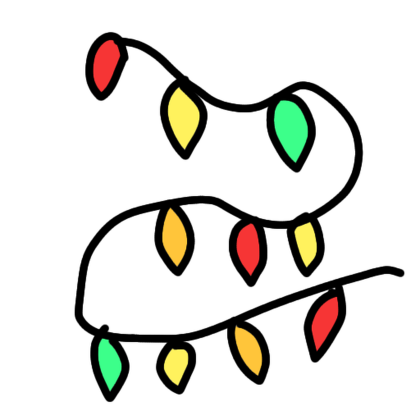
Draw Christmas/Fairy lights
Plugin by JaxsonGamer681 ✓ · 0 upvotes
Free
Get on Creator Store →
This is an official Roblox Creator Store asset. The button opens its page on create.roblox.com, where you get it into your inventory or Studio. Roblox Modules does not sell, host or redistribute Roblox assets.
This plugin will help you be holly jolly (or whimsical) How to use: to draw: Select "Create lights" and then draw onto things with your cursor You can also click places and it will connect up the places you click - if you want to make hanging lights you should turn on "Curved" In the settings menu. To edit the colors: open the settings, select the custom preset, and select the preset settings button next to it. This uses beams because they are better for performance, but there is the option to use ropes. Credits: Object surface detection created by @128GB (https://create.roblox.com/store/asset/168600454) Color picker created by @ArtemVoronin0 (https://devforum.roblox.com/t/plugincolorpicker-classic-roblox-style-color-picker-for-your-plugin-needs/3344234) There are a couple color presets in the settings. Fun fact: This was inspired by the game "Light Up The Town"
| Type | Plugins |
|---|---|
| Creator | JaxsonGamer681 ✓ |
| Price | Free |
| Rating | 0 upvotes |
| Contains scripts | Yes |
| Category | Plugins › Building |
| Published | 2025-12-25 |
| Updated | 2026-07-26 |
| Roblox ID | 135115368554622 |
| Last checked | 2026-09-24 |












![Moon Animator 2 [sale!]](https://tr.rbxcdn.com/180DAY-bb0f21c27b952011c4b81408cde773f1/420/420/Image/Png/noFilter)









