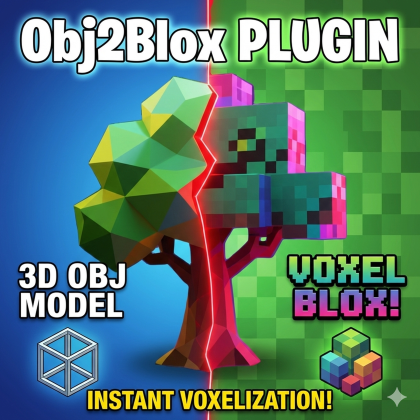
Obj2Blox : Mesh & Voxel to Blocks (from .obj )
Plugin by Apafey ✓ · 0 upvotes
$4.99
Get on Creator Store →
This is an official Roblox Creator Store asset. The button opens its page on create.roblox.com, where you get it into your inventory or Studio. Roblox Modules does not sell, host or redistribute Roblox assets.

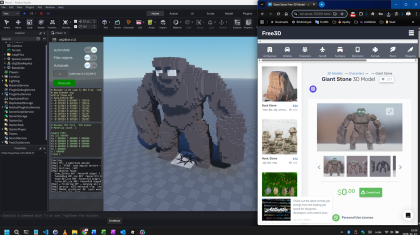
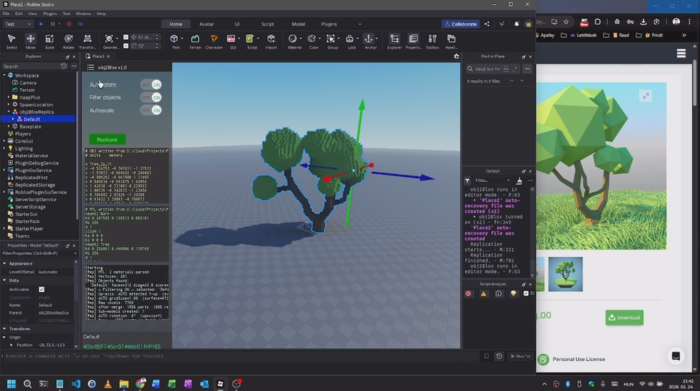
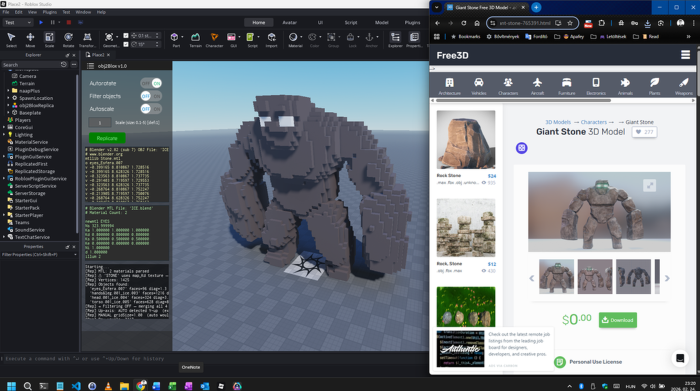
Convert detailed meshes into fully editable, Minecraft-like Roblox blocks. This plugin rebuilds models as optimized Parts using smart grouping by color and material. Input: .obj and (optionally) .mtl files. A short demo & tutorial: https://youtu.be/bUESYiBBzV0 Perfect for destructible systems, Minecraft-style worlds, and performance-friendly builds. Works with models / meshes exported from Blender or other 3D tools in .obj and .mtl format. Features • Adjustable block resolution • Surface or solid voxel modes • Material and color preservation • Optimized part generation • Fast processing for large models Unlike the default mesh importer, this tool creates fully editable block geometry ready for scripting and gameplay. Works best with low-poly meshes that are saved as OBJ files. As a secondary input, MTL files are also supported and used for automatic color detection. Works great together with NAAP or NAAP Plus to create fully destructible objects with ease.
| Type | Plugins |
|---|---|
| Creator | Apafey ✓ |
| Price | $4.99 |
| Rating | 0 upvotes |
| Contains scripts | Yes |
| Category | Plugins › Building |
| Published | 2026-02-23 |
| Updated | 2026-02-24 |
| Roblox ID | 136711444448186 |
| Last checked | 2026-09-08 |














![Moon Animator 2 [sale!]](https://tr.rbxcdn.com/180DAY-bb0f21c27b952011c4b81408cde773f1/420/420/Image/Png/noFilter)









