Mesh Optimization Tools
Plugin by Maximum_ADHD ✓ · 81% positive · 100 votes
$4.99
Get on Creator Store →
This is an official Roblox Creator Store asset. The button opens its page on create.roblox.com, where you get it into your inventory or Studio. Roblox Modules does not sell, host or redistribute Roblox assets.
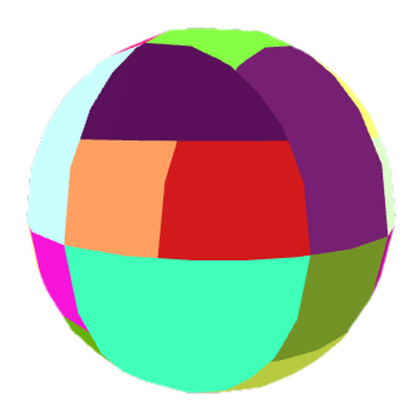
A plugin that provides some helpful tools for optimizing the geometry and physics of TriangleMeshPart objects (MeshPart/UnionOperation)! The price on this plugin is a convenience fee intended to help financially support me. You are welcome to view the source code of this plugin and build your own copy for free from my GitHub plugins page! [Show Decomposition Geometry] Toggles the visibility of Decomposition Geometry for TriangleMeshParts. Unlike Roblox Studio's built-in setting for this, all TriangleMeshParts are immediately refreshed when the toggle is activated! [Transparent Boxes] Renders nearby TriangleMeshParts (which have their CollisionFidelity set to 'Box') as mostly-transparent boxes. Intended for help with visibility while optimizing collisions! [Mesh Patcher] When provided a "Target MeshId" from its PluginGui window, this tool lets you patch the listed properties of every MeshPart in the Workspace that has that MeshId!
| Type | Plugins |
|---|---|
| Creator | Maximum_ADHD ✓ |
| Price | $4.99 |
| Rating | 81% positive · 100 votes |
| Contains scripts | Yes |
| Category | Plugins › Building |
| Published | 2016-05-15 |
| Updated | 2025-07-10 |
| Roblox ID | 414923656 |
| Last checked | 2026-09-08 |












![Moon Animator 2 [sale!]](https://tr.rbxcdn.com/180DAY-bb0f21c27b952011c4b81408cde773f1/420/420/Image/Png/noFilter)









