
Auto UI Scaler
Plugin by RealTruyal ✓ · 0 upvotes
Free
Get on Creator Store →
This is an official Roblox Creator Store asset. The button opens its page on create.roblox.com, where you get it into your inventory or Studio. Roblox Modules does not sell, host or redistribute Roblox assets.
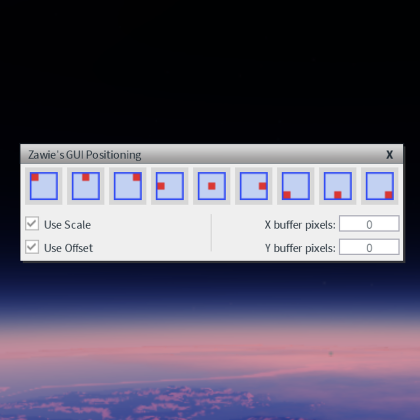
Here's what it can do: Select Hierarchy: Selects an element and all its children at once, so you don't have to click through the whole tree manually. UI Converter: A little window where you can convert your UI elements between Scale and Offset, both for size and position. You can filter which types get affected (frames, corners, padding, layouts, etc.) so you don't accidentally change things you didn't want to touch. Add Aspect Ratio: Automatically adds a UIAspectRatioConstraint based on the current size of your element. One click and it's done. Smart Anchor Points: Figures out the right AnchorPoint for each element based on where it actually is on screen and adjusts the position so nothing moves. Great for cleaning up UI that was built without anchors in mind. Scale Text: Enables TextScaled on all text elements in your selection and sets a UITextSizeConstraint so the text doesn't get too large.
| Type | Plugins |
|---|---|
| Creator | RealTruyal ✓ |
| Price | Free |
| Rating | 0 upvotes |
| Contains scripts | Yes |
| Category | Plugins › User Interface |
| Object types | Symbol, Graphic |
| Published | 2026-05-31 |
| Updated | 2026-07-07 |
| Roblox ID | 75073255968914 |
| Last checked | 2026-09-24 |


![UltraWorks Shop Creator [Pro tools]](https://tr.rbxcdn.com/180DAY-c8f431d61dbacc6f02bc8a0db5b29965/420/420/Image/Png/noFilter)





![Moon Animator 2 [sale!]](https://tr.rbxcdn.com/180DAY-bb0f21c27b952011c4b81408cde773f1/420/420/Image/Png/noFilter)







