
AttributeSheet — Attribute Table & Batch Editor
Plugin by Magic_BoBoYiYi ✓ · 0 upvotes
Free
Get on Creator Store →
This is an official Roblox Creator Store asset. The button opens its page on create.roblox.com, where you get it into your inventory or Studio. Roblox Modules does not sell, host or redistribute Roblox assets.
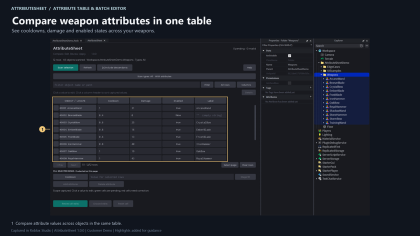
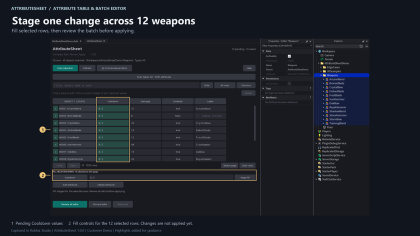

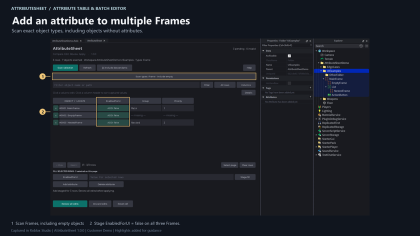
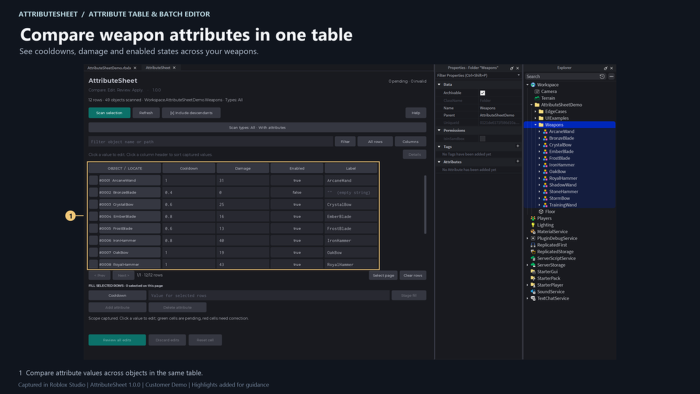
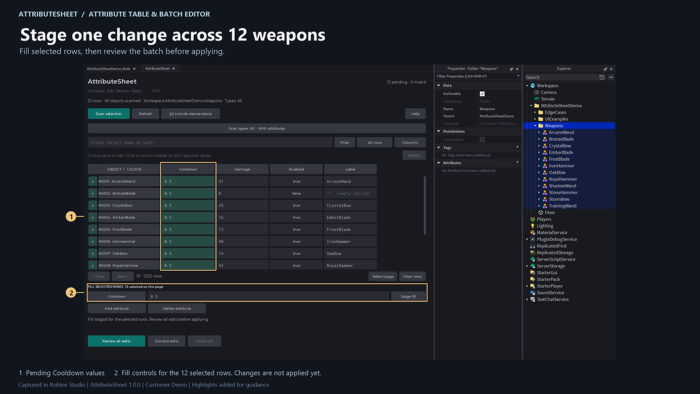
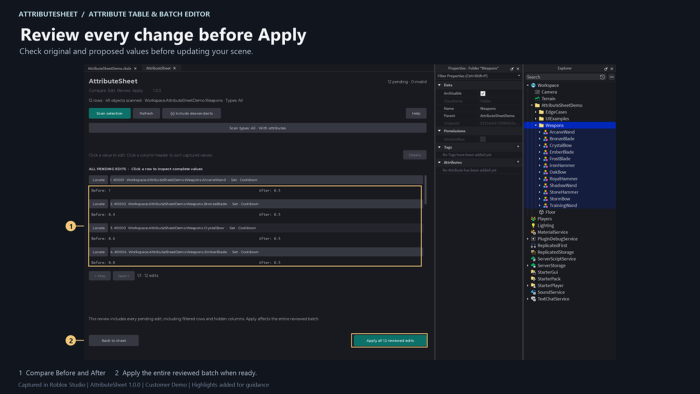
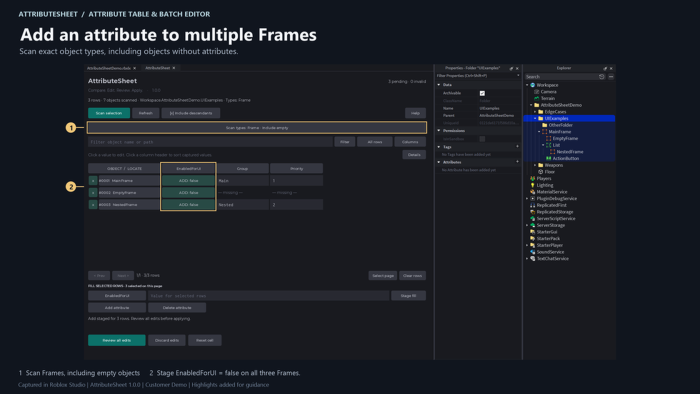
Compare and batch-edit Roblox Attributes in one table. AttributeSheet puts objects in rows and attributes in columns, so you can review changes before applying them. • Edit numbers, booleans and single-line strings. • Filter, sort and locate objects. • Fill values across selected rows. • Batch add or delete attributes. • Scan by exact object type, including empty objects. • Review pending changes, including hidden rows. • Apply a batch, then restore it with one Studio Undo. • Block outdated changes when the scene changes. For Roblox Studio Edit mode. Tested on Windows 11. Limits: 500 rows, 128 attribute names and 2,000 pending cells. Batch actions target selected rows on the current page. No attribute renaming, direct type conversion, formulas, CSV or runtime editing. Simultaneous Team Create edits are not guaranteed safe.
| Type | Plugins |
|---|---|
| Creator | Magic_BoBoYiYi ✓ |
| Price | Free |
| Rating | 0 upvotes |
| Contains scripts | Yes |
| Category | Plugins › Workflow |
| Object types | Table, UI Element |
| Published | 2026-09-13 |
| Updated | 2026-09-13 |
| Roblox ID | 77824934141606 |
| Last checked | 2026-09-24 |













![Moon Animator 2 [sale!]](https://tr.rbxcdn.com/180DAY-bb0f21c27b952011c4b81408cde773f1/420/420/Image/Png/noFilter)







