Double R6 Rig Animating
Plugin by Jexemie ✓ · 56% positive · 70 votes
Free
Get on Creator Store →
This is an official Roblox Creator Store asset. The button opens its page on create.roblox.com, where you get it into your inventory or Studio. Roblox Modules does not sell, host or redistribute Roblox assets.
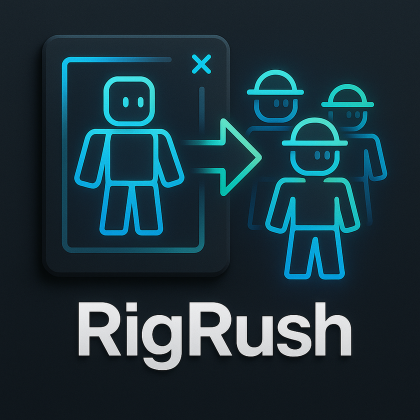
Made for animating 2 rigs at the same time with roblox animator INSTRUCTIONS: 1. Create a double rig with the "Create Double Rig" button 2. After animating, save the animation locally 3. Head to the physical KeyframeSequence and press the "Separate Keyframes" button, it will create an "Attacker" and "Enemy" KeyframeSequence's under Workspace.
| Type | Plugins |
|---|---|
| Creator | Jexemie ✓ |
| Price | Free |
| Rating | 56% positive · 70 votes |
| Contains scripts | Yes |
| Category | Plugins › Animation |
| Published | 2024-09-08 |
| Updated | 2024-09-08 |
| Roblox ID | 81619599914883 |
| Last checked | 2026-09-24 |
![Moon Animator 2 [sale!]](https://tr.rbxcdn.com/180DAY-bb0f21c27b952011c4b81408cde773f1/420/420/Image/Png/noFilter)