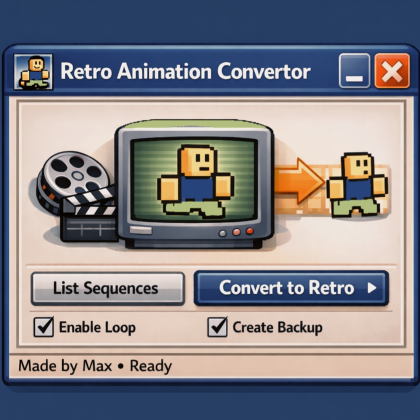
Retro Animation Convertor
Plugin by MaxHalsonR ✓ · 70% positive · 10 votes
Free
Get on Creator Store →
This is an official Roblox Creator Store asset. The button opens its page on create.roblox.com, where you get it into your inventory or Studio. Roblox Modules does not sell, host or redistribute Roblox assets.
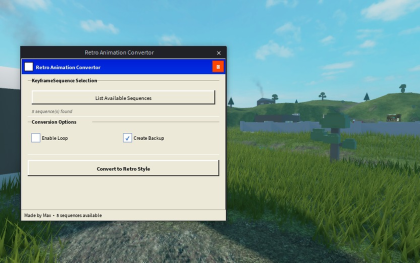

How to Use this plugin 1.Open Roblox Studio🎁 2.Select keyframe sequence or press list🧑🏼💻 3.Open the plugin 4.Click List Sequences📋 5.Choose the animation🖐🏼 6.Press Convert to Retro⚙️ That’s it. Simple and fast.🎁 Please include reviews and opinions if there are bugs🥰 love you all
| Type | Plugins |
|---|---|
| Creator | MaxHalsonR ✓ |
| Price | Free |
| Rating | 70% positive · 10 votes |
| Contains scripts | Yes |
| Category | Plugins › Animation |
| Published | 2026-01-08 |
| Updated | 2026-01-08 |
| Roblox ID | 83253076022266 |
| Last checked | 2026-09-24 |
![Moon Animator 2 [sale!]](https://tr.rbxcdn.com/180DAY-bb0f21c27b952011c4b81408cde773f1/420/420/Image/Png/noFilter)