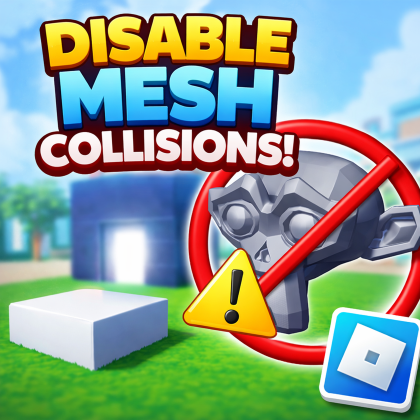
MeshPart Collision & Performance Tool
Plugin by survival_steve ✓ · 0 upvotes
$4.99
Get on Creator Store →
This is an official Roblox Creator Store asset. The button opens its page on create.roblox.com, where you get it into your inventory or Studio. Roblox Modules does not sell, host or redistribute Roblox assets.
Quickly manage MeshPart behavior in your game without affecting normal Parts. This plugin lets you disable collision, touch, and query, set MeshParts to massless, and optionally adjust shadows, render fidelity, and collision fidelity for performance. Choose exactly which properties to apply and where: Apply to Selection or entire Workspace Clear confirmation before changes are made Includes Auto Apply for Future MeshParts, which automatically applies your selected settings to any new MeshPart added to the Workspace—perfect for imports and large projects. Ideal for games using separate collision maps, optimizing performance, and keeping visual meshes clean and non-interactive.
| Type | Plugins |
|---|---|
| Creator | survival_steve ✓ |
| Price | $4.99 |
| Rating | 0 upvotes |
| Contains scripts | Yes |
| Category | Plugins › Building |
| Published | 2026-03-23 |
| Updated | 2026-03-24 |
| Roblox ID | 86438544772249 |
| Last checked | 2026-09-08 |












![Moon Animator 2 [sale!]](https://tr.rbxcdn.com/180DAY-bb0f21c27b952011c4b81408cde773f1/420/420/Image/Png/noFilter)









