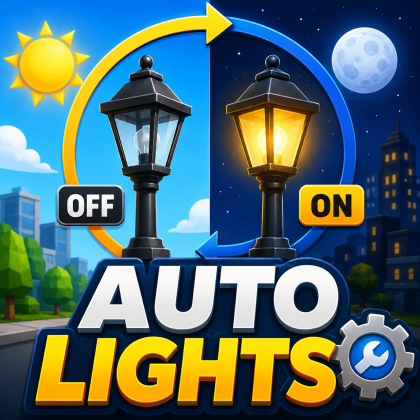
Auto Lights
Plugin by tare104ka ✓ · 0 upvotes
Free
Get on Creator Store →
This is an official Roblox Creator Store asset. The button opens its page on create.roblox.com, where you get it into your inventory or Studio. Roblox Modules does not sell, host or redistribute Roblox assets.
First create a folder in your workspace called ControlledLights Put there alll parts/uniouns/models etc. with any of the beams/light attached to it and this script will turn them on at night and turn off during the day Tip: inside of this folder you can make subfolders named AREA_N_NAME and add attribute called LightOrder - 'number' and Lights will switch by areas If you wanna adjust anything - go to the script, everything you'll need to change is commented
| Type | Plugins |
|---|---|
| Creator | tare104ka ✓ |
| Price | Free |
| Rating | 0 upvotes |
| Contains scripts | Yes |
| Published | 2026-06-30 |
| Updated | 2026-06-30 |
| Roblox ID | 94212447650821 |
| Last checked | 2026-09-17 |

![Moon Animator 2 [sale!]](https://tr.rbxcdn.com/180DAY-bb0f21c27b952011c4b81408cde773f1/420/420/Image/Png/noFilter)


















