
Animation Tools
Plugin by tabbycatleo ✓ · 93% positive · 10 votes
Free
Get on Creator Store →
This is an official Roblox Creator Store asset. The button opens its page on create.roblox.com, where you get it into your inventory or Studio. Roblox Modules does not sell, host or redistribute Roblox assets.


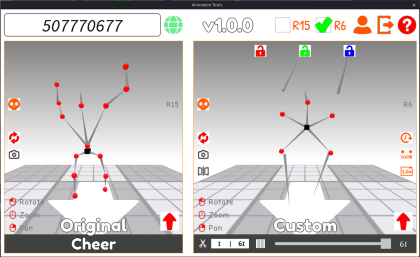


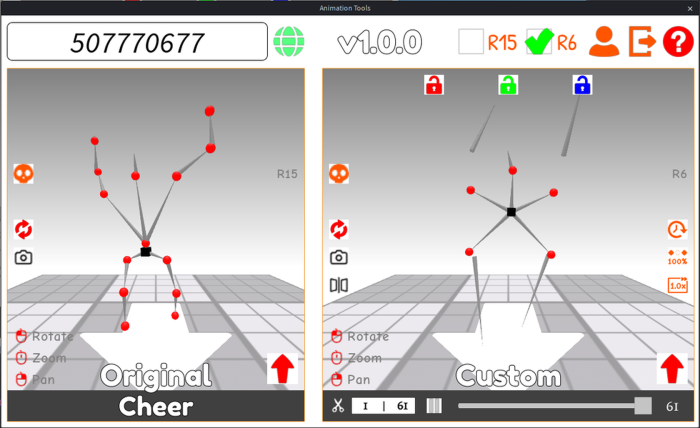
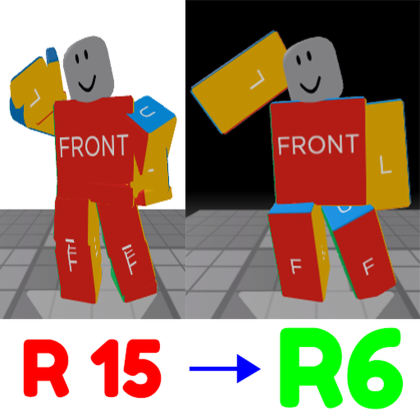
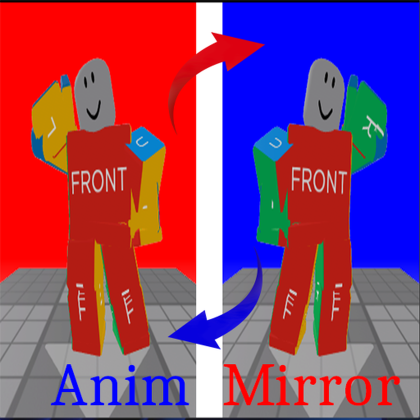
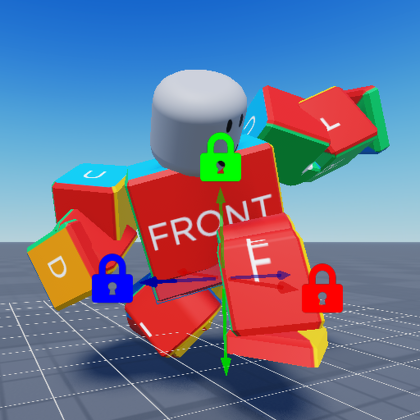
https://devforum.roblox.com/t/4528169 A super animation toolkit that includes functions such as converting R15 to R6, locking the X/Y/Z axes displacement, X-axes mirroring, reversing sequence frames, optimizing sequence frames, keyframe trimming and adjusting animation speed. It is a superset of the three plugins I made before but no longer maintained: https://create.roblox.com/store/asset/90570964230066/Animation-R15-to-R6 https://create.roblox.com/store/asset/75739882029432/Animation-Mirror https://create.roblox.com/store/asset/128562820294132/Animation-In-Place [v1.1.0] [upd:<u>v1.1.0</u><br/>Read the animation name correctly, Custom keyframe name, Animation Event.<br/><br/><u>v1.0.4</u><br/>When the Y-axis is locked, the height of Torso can be set freely.<br/><br/><u>v1.0.3</u><br/>When locking an Axis, set its data to 0 instead of using the data from its first frame.]
| Type | Plugins |
|---|---|
| Creator | tabbycatleo ✓ |
| Price | Free |
| Rating | 93% positive · 10 votes |
| Contains scripts | Yes |
| Category | Plugins › Animation |
| Published | 2025-12-17 |
| Updated | 2026-07-24 |
| Roblox ID | 106124939081796 |
| Last checked | 2026-09-13 |


![Moon Animator 2 [sale!]](https://tr.rbxcdn.com/180DAY-bb0f21c27b952011c4b81408cde773f1/420/420/Image/Png/noFilter)