Animation Mirror
Plugin by tabbycatleo ✓ · 89% positive · 20 votes
Free
Get on Creator Store →
This is an official Roblox Creator Store asset. The button opens its page on create.roblox.com, where you get it into your inventory or Studio. Roblox Modules does not sell, host or redistribute Roblox assets.
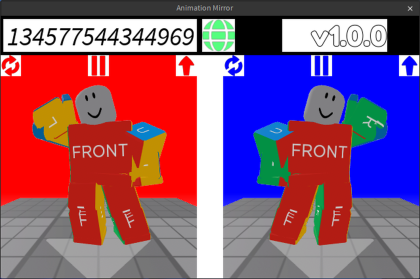

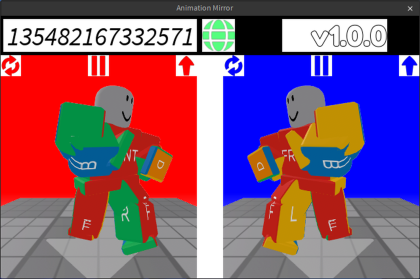
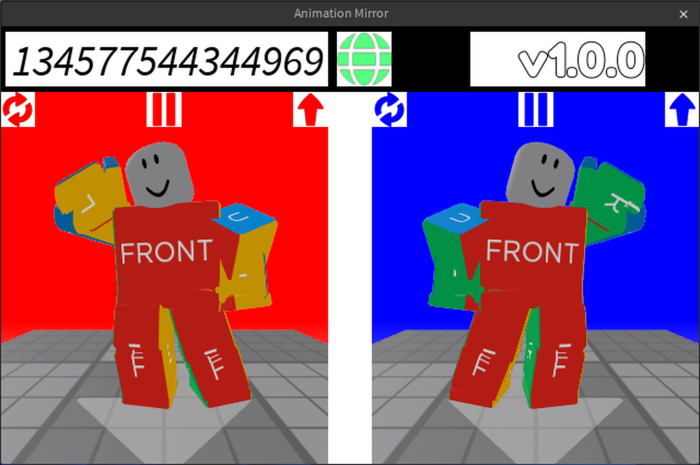
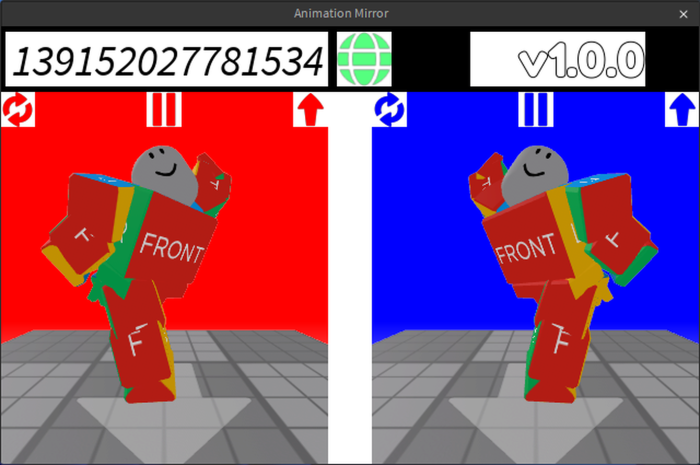
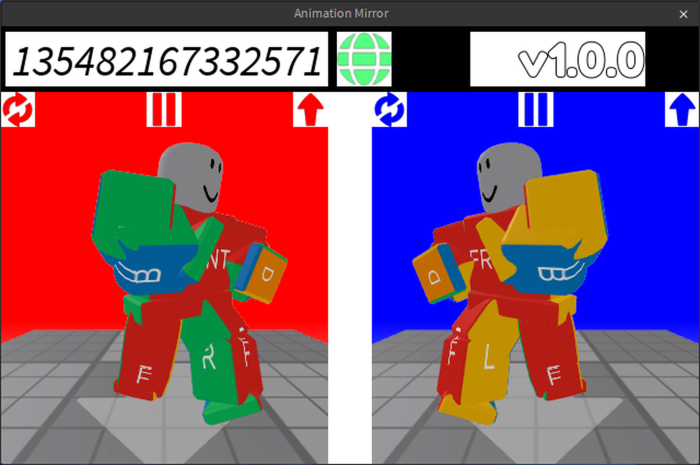
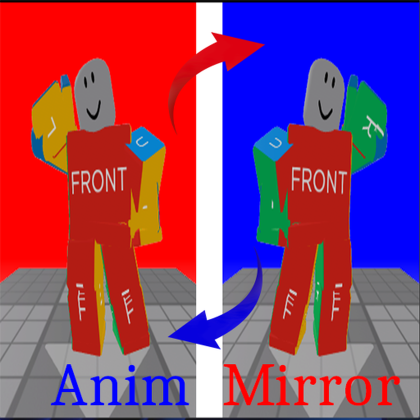
Outdated & No longer maintained. It has now been upgraded to Animation Tools: https://create.roblox.com/store/asset/106124939081796/Animation-Tools Mirror flip the animation along the X-axis (Left & Right) direction 1、Load an Animation from Roblox use Animation Id, Click the Green Earth Button (the Animation must be Create By Yourself, OR You are in the Creator Group, the Sample Id 507770677 is also a Valid Id which Create by Roblox, you can copy it for test, 9 numbers only) 2、Left panel is the original Animation Preview, and Right panel is the mirrored Animation Preview 3、At Right panel, click the Blue Up Arrow Upload Button to upload the mirrored Animation to Roblox (Supports both R15 and R6) [v1.2.4]
| Type | Plugins |
|---|---|
| Creator | tabbycatleo ✓ |
| Price | Free |
| Rating | 89% positive · 20 votes |
| Contains scripts | Yes |
| Category | Plugins › Animation |
| Published | 2025-07-27 |
| Updated | 2026-04-05 |
| Roblox ID | 75739882029432 |
| Last checked | 2026-09-24 |



![Moon Animator 2 [sale!]](https://tr.rbxcdn.com/180DAY-bb0f21c27b952011c4b81408cde773f1/420/420/Image/Png/noFilter)