
Aperture - Cut Doors & Windows in Walls, No CSG
Plugin by FATALE_N1 ✓ · 0 upvotes
$4.99
Get on Creator Store →
This is an official Roblox Creator Store asset. The button opens its page on create.roblox.com, where you get it into your inventory or Studio. Roblox Modules does not sell, host or redistribute Roblox assets.
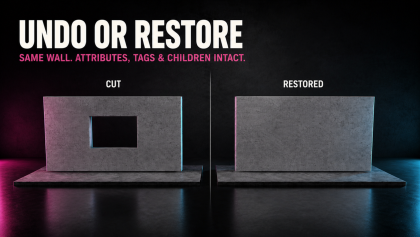

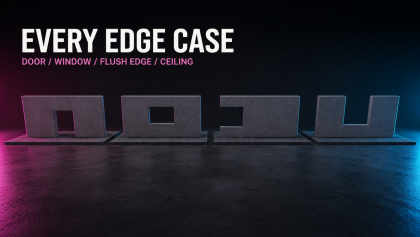
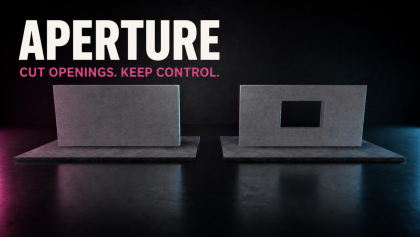
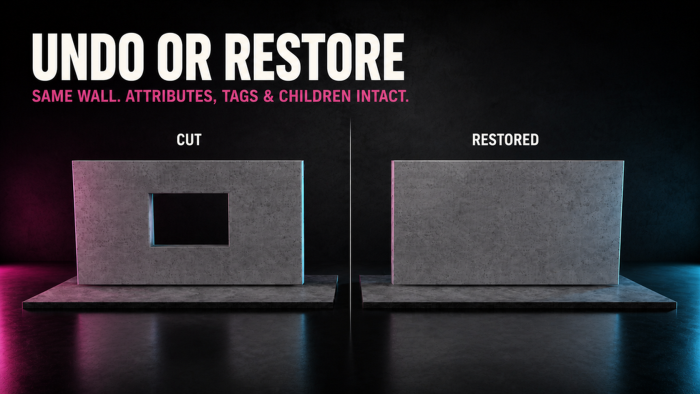
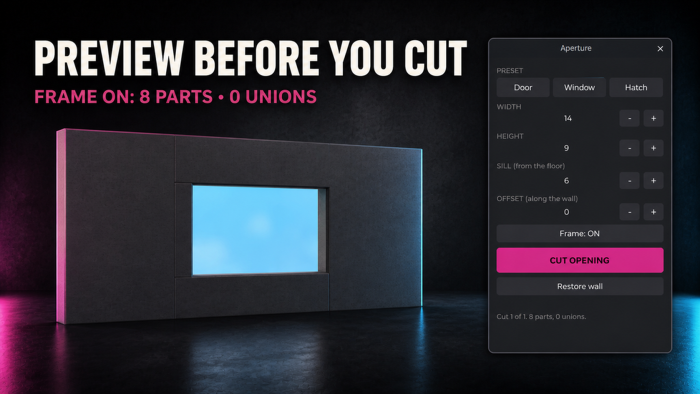

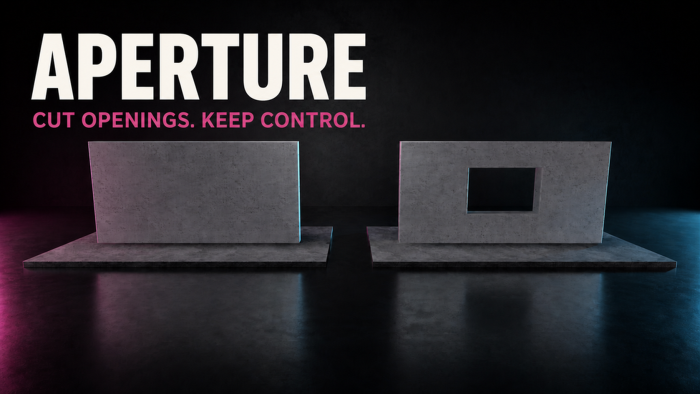
Aperture cuts rectangular door, window and hatch openings in anchored Block Parts—without CSG or UnionOperations. Select a wall, Model/Folder, or up to 100 eligible walls. Choose Door, Window or Hatch, enter Width, Height, Sill and Offset, then click CUT OPENING. A 101st eligible wall aborts the whole batch before mutation. Each wall becomes up to four anchored Block Parts. Frame adds four lining Parts. Pieces preserve documented appearance, collision, surfaces and physical properties. The original wall stays hidden with attributes, tags and passive metadata children intact. Restore wall returns it; Undo is one action. Walls containing visuals, sounds, scripts, effects, attachments or constraints are refused before mutation. Works on rotated/tilted walls. Editor-time rectangular openings only. Requires an unlocked, anchored Block Part. MeshParts, unions, seats, wedges, balls and cylinders are refused. No glass, door/window model or runtime system.
| Type | Plugins |
|---|---|
| Creator | FATALE_N1 ✓ |
| Price | $4.99 |
| Rating | 0 upvotes |
| Contains scripts | Yes |
| Category | Plugins › Building |
| Object types | Window, Architectural Element |
| Published | 2026-08-08 |
| Updated | 2026-08-26 |
| Roblox ID | 107147357950147 |
| Last checked | 2026-09-24 |





















![Moon Animator 2 [sale!]](https://tr.rbxcdn.com/180DAY-bb0f21c27b952011c4b81408cde773f1/420/420/Image/Png/noFilter)









