
Cornice - Trim, Skirting & Crown Molding Tool
Plugin by FATALE_N1 ✓ · 0 upvotes
$6.99
Get on Creator Store →
This is an official Roblox Creator Store asset. The button opens its page on create.roblox.com, where you get it into your inventory or Studio. Roblox Modules does not sell, host or redistribute Roblox assets.
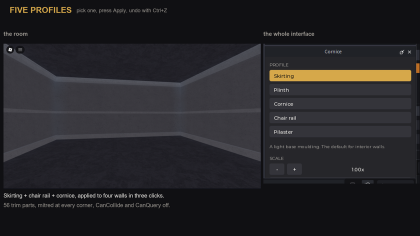
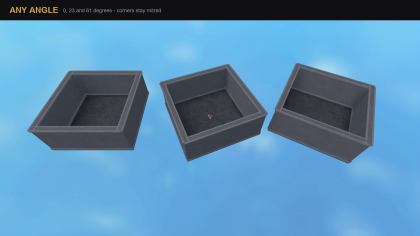

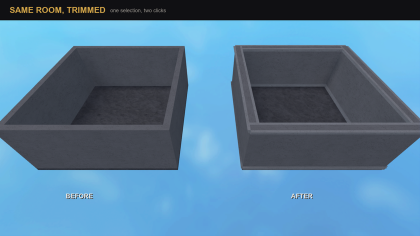
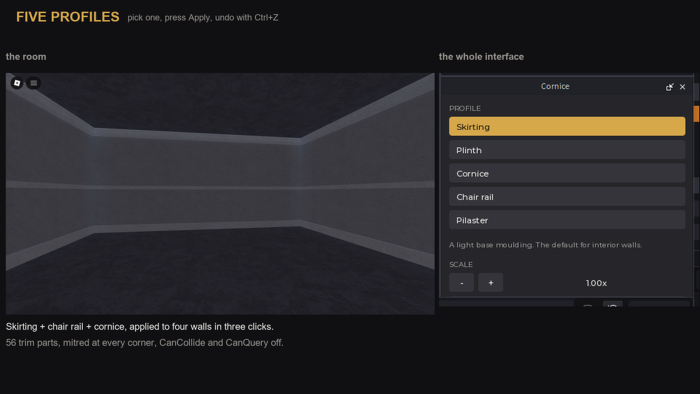
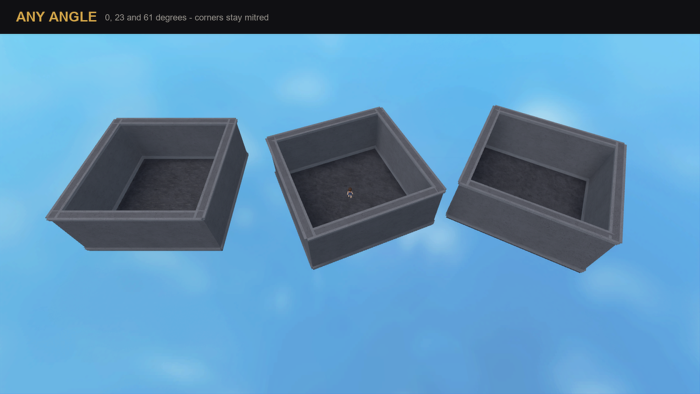
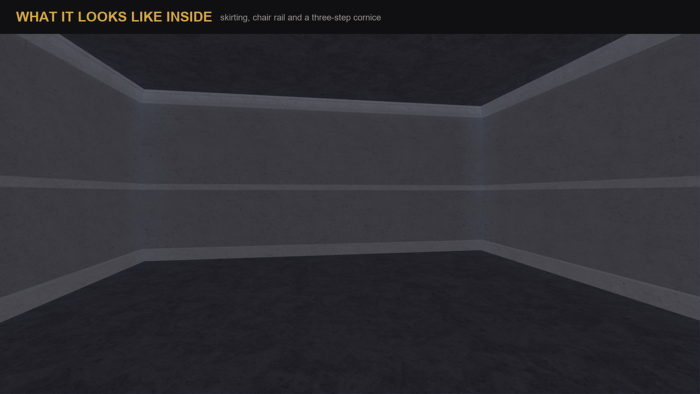

Roblox interiors look like boxes: a room is six boxes. Real architecture has articulated edges. Cornice adds them. Select some walls, pick a profile, press Apply: skirting at the floor, a cornice at the ceiling, a chair rail, or piers on the corners. Any size or rotation, mitred where runs meet. The corners are the product. By hand, a corner is either a square hole or double thickness. Cornice's runs share a plane and nothing else: the largest shared volume between two runs is zero. Rotation is no special case: it is all computed in the part's local space. Measured deviation across five yaws and a three-axis tilt: 0.000000 studs. Trim has CanCollide, CanQuery and CanTouch off, so it never blocks a player or a raycast. It lives in a Cornice folder inside the part. 5 profiles, scale 0.25x-4x, 20 walls in 6 ms, Ctrl+Z undoes a run in one step. It decorates parts you already built: no wall building, and it does not follow a moved wall. Editor only, nothing runs in your game.
| Type | Plugins |
|---|---|
| Creator | FATALE_N1 ✓ |
| Price | $6.99 |
| Rating | 0 upvotes |
| Contains scripts | Yes |
| Category | Plugins › Building |
| Object types | Trim, Molding |
| Published | 2026-08-11 |
| Updated | 2026-08-11 |
| Roblox ID | 119099410941849 |
| Last checked | 2026-09-13 |





















![Moon Animator 2 [sale!]](https://tr.rbxcdn.com/180DAY-bb0f21c27b952011c4b81408cde773f1/420/420/Image/Png/noFilter)









